Christmas list: organize gifts with friends

Everyone adds wishes, others reserve, no more duplicates on the 25th.

Create my list for free

Why Lilist for your gift list?

Christmas

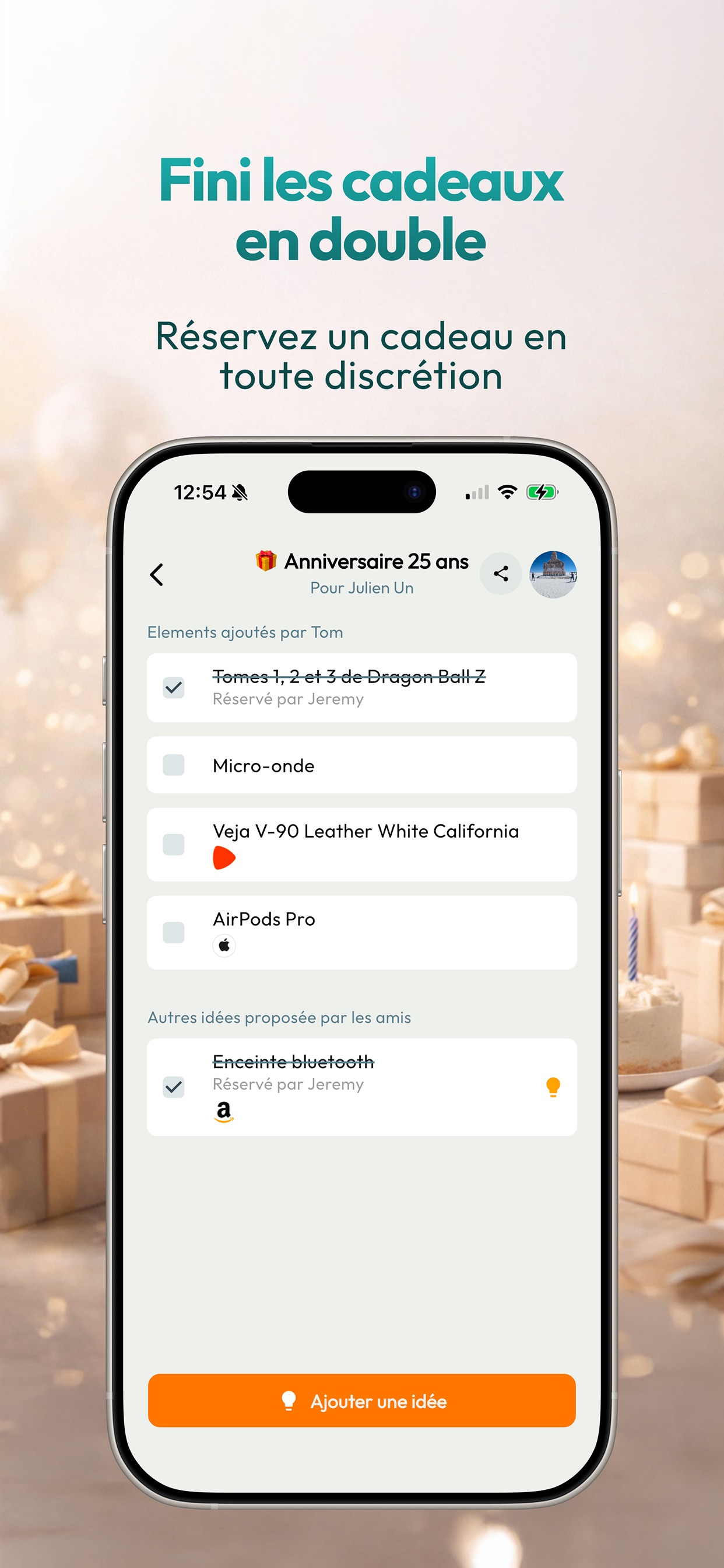
Zero duplicates

One reservation = gift taken. Others see it, without spoilers.

One list per person

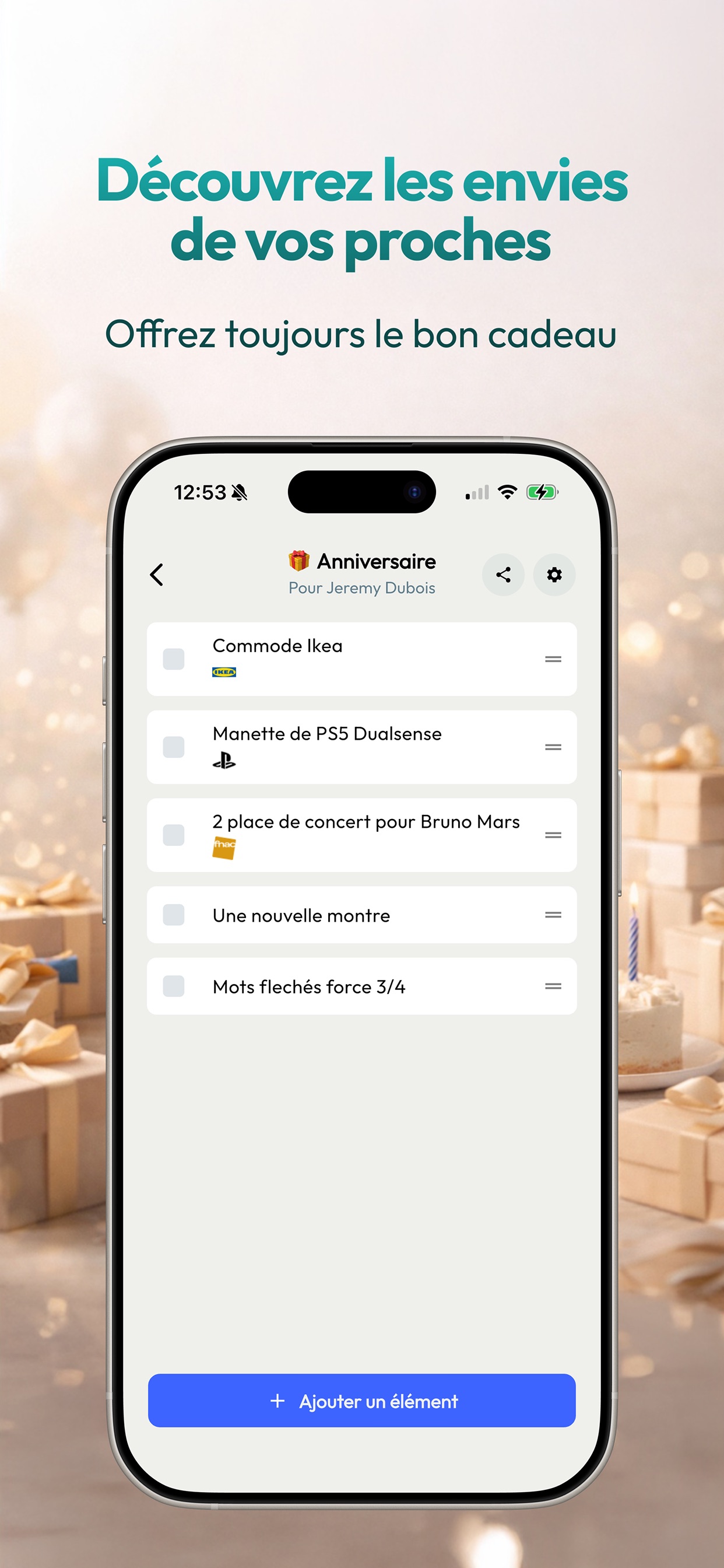
Everyone’s wishes. The whole family (or group) in one place.

Share with one link

WhatsApp, SMS, email — one link for the whole list.

Centralize, share, reserve

Organising Christmas gifts quickly gets messy: WhatsApp threads, forgotten ideas, and the classic duplicates on the 25th. A shared Christmas list on Lilist gathers everyone’s wishes and lets people reserve a gift without spoiling the surprise.

  • Create a Lilist account (phone or Google) on lilist.fr/login.
  • Create a “Christmas” list and add wishes with notes or links.
  • Invite family and friends via list sharing or user search.
  • Let them reserve a gift to avoid duplicates on the day.
Create my list for free
Lilist, liste de cadeaux
Lilist, réservation sans spoiler

Who is it for?

Families, friend groups, flatmates, office Secret Santa: whenever several people give gifts at once, a shared list avoids the chaos.

When to start?

The earlier you start (ideally November), the more time friends and family have to order, chip in, or find an alternative. Lilist stays up to date until Christmas Eve.

Lilist, activité entre amis
Lilist, réservation sans spoiler

Tips to get started

Practical ideas for christmas, lists, reservations and sharing with friends.

  • Add ideas for every budget so everyone can take part.
  • Update the list in December: remove what you already received or bought yourself.
  • For Secret Santa, create a dedicated list and invite only that group.
  • Add a size, colour, or store link in the note to avoid back-and-forth.
Create my list for free

Download the app

Available on iPhone and Android.

Frequently asked questions

Is Lilist free for a Christmas list?

Yes. Creating lists and inviting friends is free.

Can others see who reserved a gift?

Reservations avoid duplicates without unnecessary spoilers — the experience is built to keep the surprise.

Can I share my list with a link?

Yes. Share a link to your list or your Lilist profile.

When should I create my Christmas list?

Ideally from November, so friends and family have time to organise, especially if parcels need to arrive.

Can I have one list per child?

Yes. Create one list per person (or per child) and invite the same people to each.

Is Lilist good for Secret Santa?

Yes. Create a list for the group, add wishes, and let everyone reserve without spoiling the draw.

Do I need the app to create a list?

No. You can sign in on lilist.fr and open the app later if you prefer mobile.

Ready to list your wishes?

Create your list in a few minutes. Free to get started.

Create my list for free